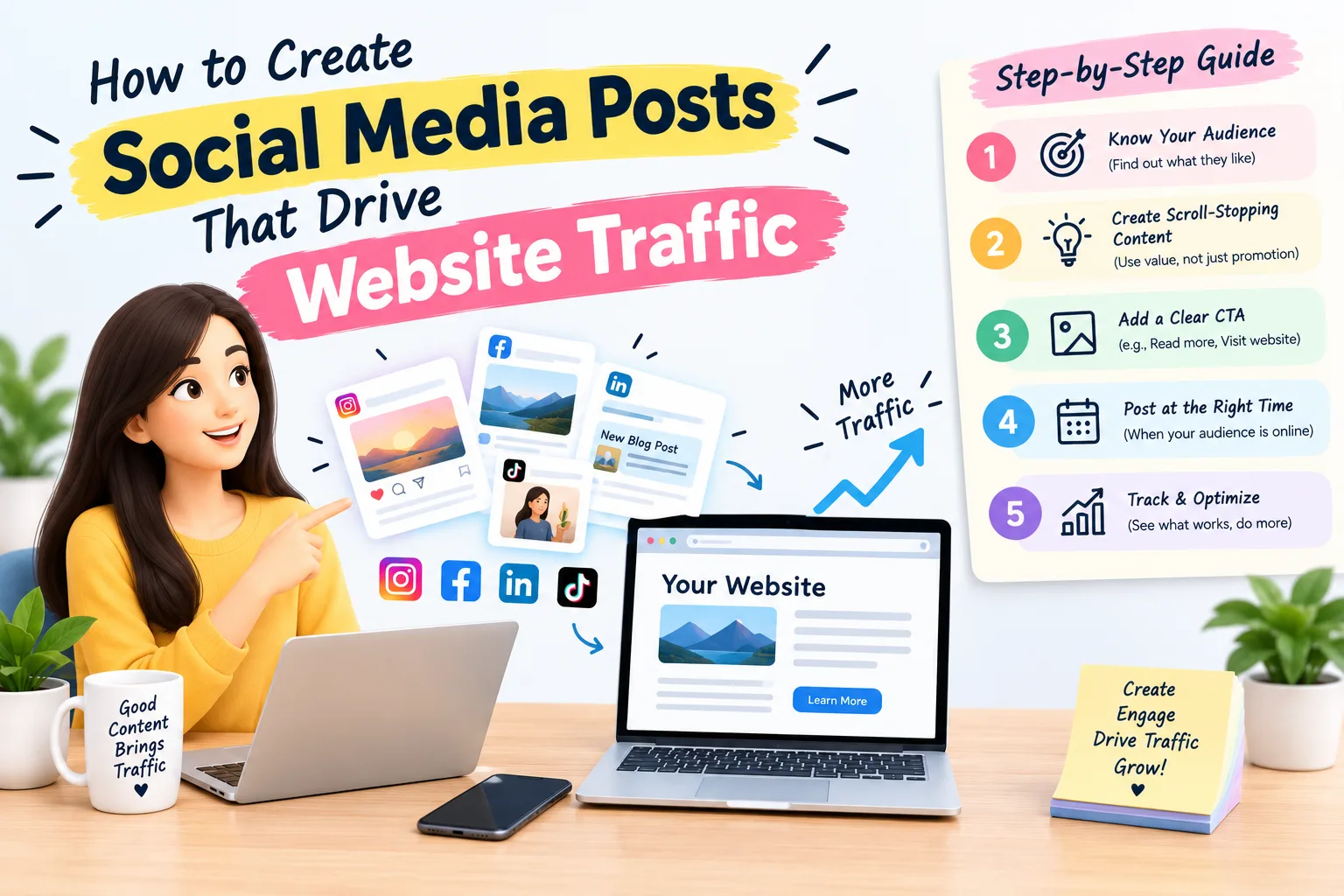
How to Create Social Media Posts That Drive Website Traffic
Posting on social media every day but seeing few clicks to your website? You are not alone. Many brands collect likes and comments without getting real visitors. The good news is that social media posts that drive website traffic follow a clear formula, and anyone can learn it.
In this guide, you will learn how to plan, write, and measure social posts that turn scrollers into website visitors.
Why Social Media Posts Should Drive Website Traffic
Social platforms are great for awareness, but your website is where people subscribe, buy, or book. Sending the right visitors from social media to your site helps you:
- Grow email subscribers and leads
- Increase sales and conversions
- Build your own audience instead of relying on platform algorithms
- Improve engagement signals and brand authority
If your posts never give people a reason to click, your social presence stays disconnected from your business goals.
1. Start With a Clear Goal and Destination
Before you write a single word, decide what you want people to do. Every post should have one goal and one destination, such as:
- Read a blog post
- Download a free guide
- Join a webinar
- Visit a product page
Posts with many links or mixed messages confuse readers. A single, focused link gets more clicks.
2. Know Your Audience and Their Platform
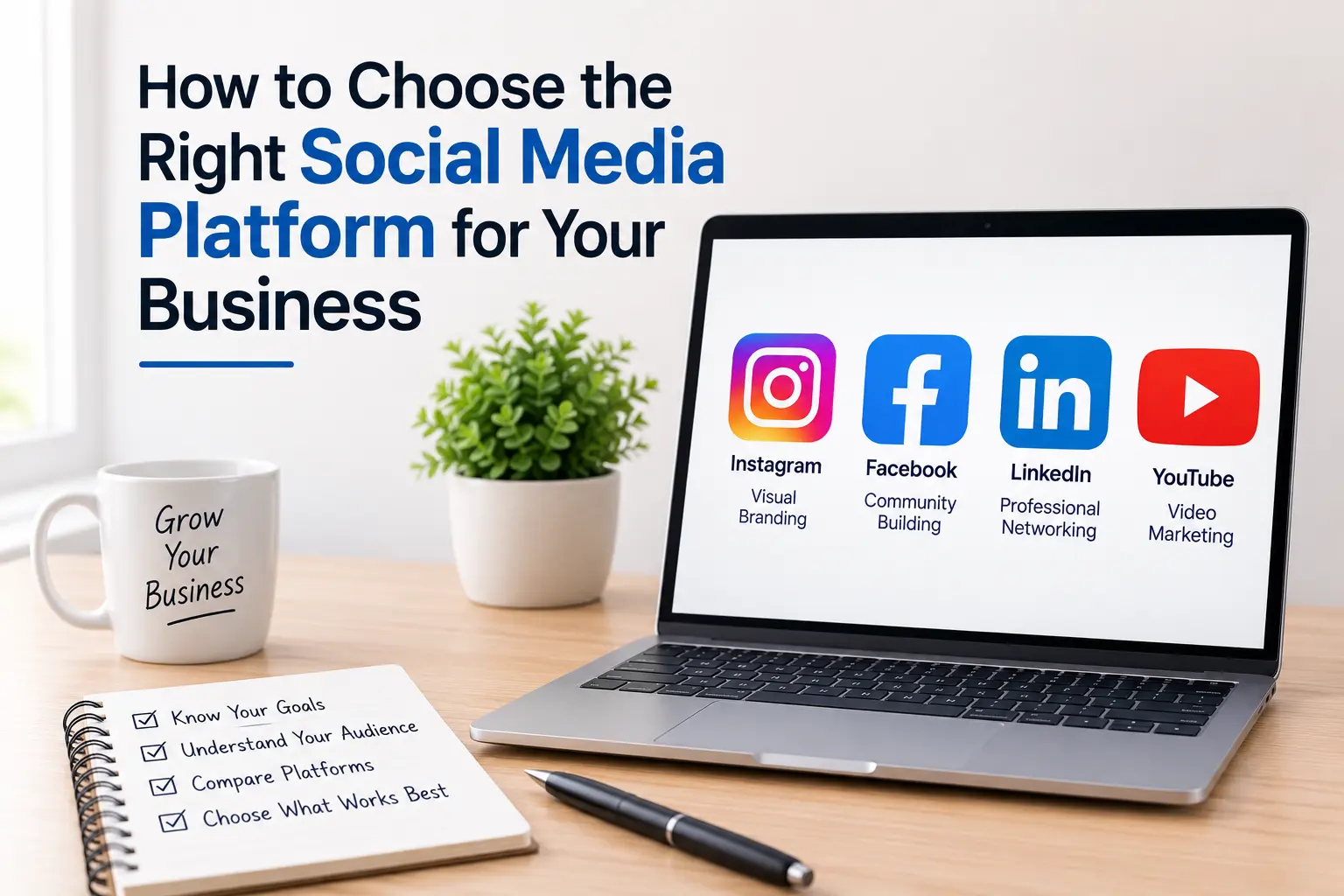
People behave differently on each network. Match your content to where they are:
- Facebook: Longer captions, community discussion, and link previews work well.
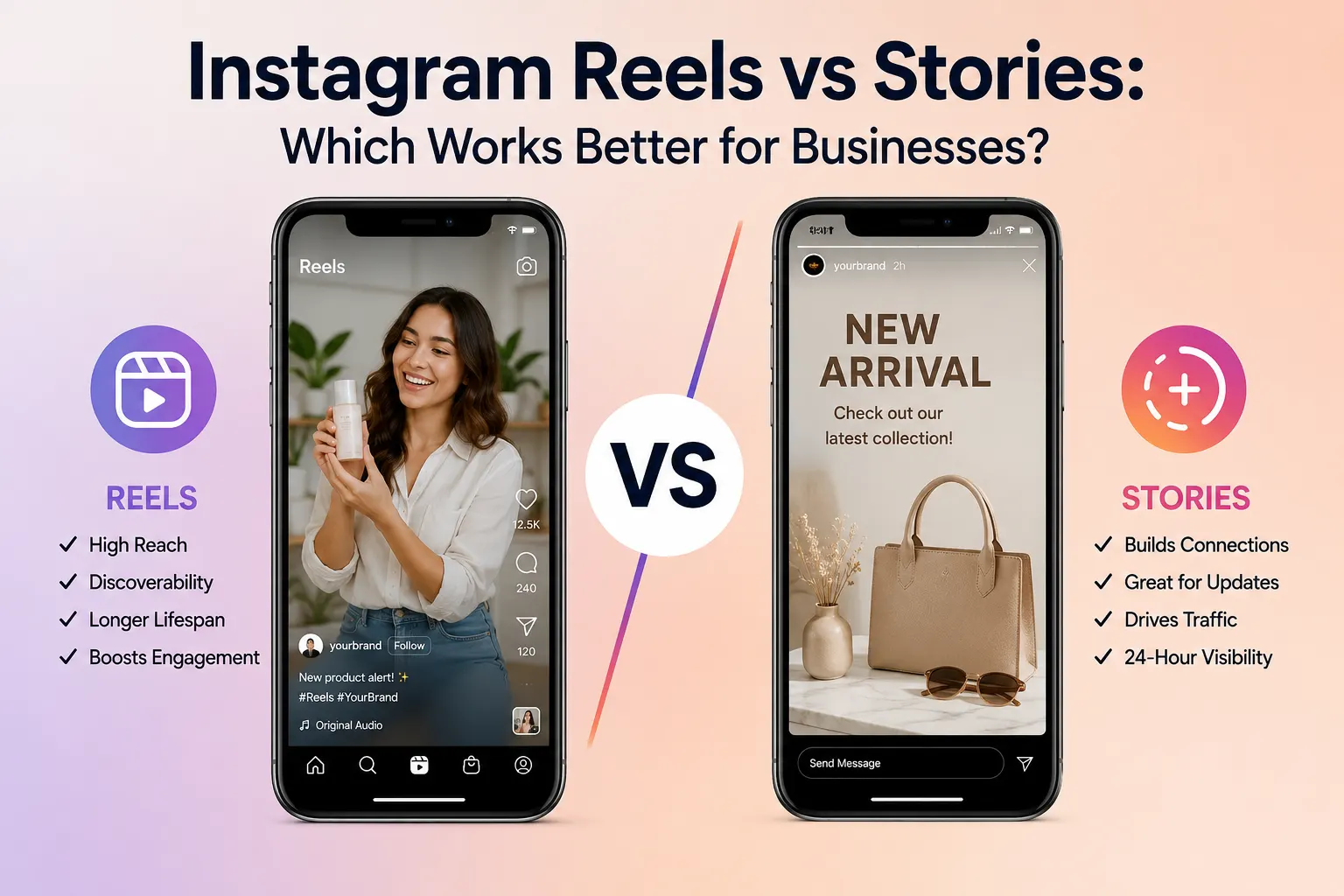
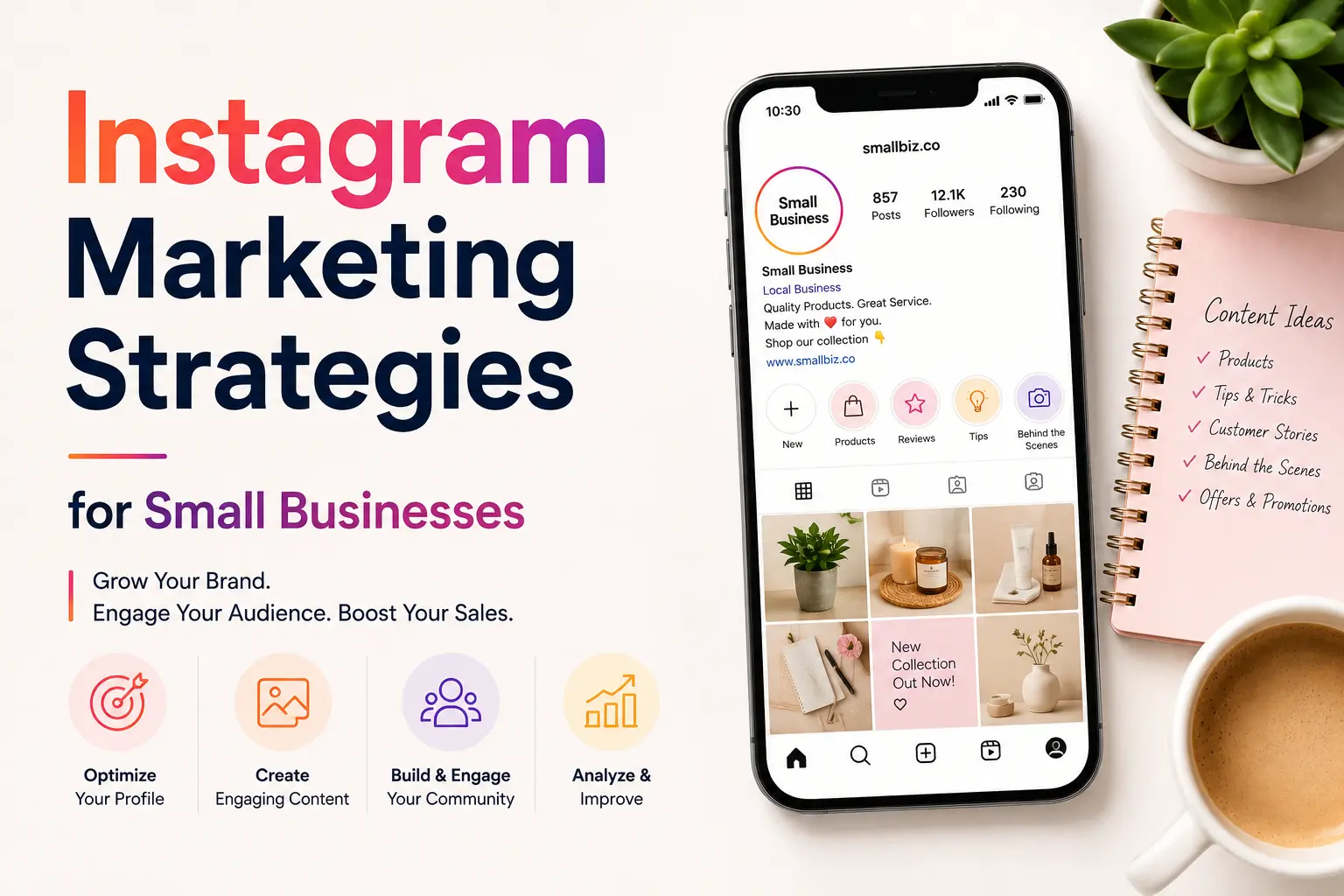
- Instagram: Strong visuals plus “link in bio,” Stories link stickers, and Reels.
- LinkedIn: Professional insights, data, and thought leadership with a link in the first comment or post.
- X (Twitter): Short, punchy posts with a strong hook and a direct link.
- Pinterest: Search-friendly pins that link straight to your content.
- YouTube: Descriptions and pinned comments with clear links.
Check your analytics to see which platform already sends the most visitors, then double down on it.
3. Write a Hook That Stops the Scroll
You have about two seconds to earn attention. Your first line should create curiosity or promise value. Try these hook styles:
- Question: “Why are your posts getting likes but no clicks?”
- Bold statement: “Most brands waste 80% of their social posts.”
- Number: “5 changes that doubled our click-through rate.”
- Problem and solution: “Struggling to grow traffic? Do this instead.”
Keep the hook short, clear, and relevant to what the reader will find on your site.
4. Offer Real Value, Then Tease the Rest
The best social media posts that drive website traffic share a useful insight and leave the reader wanting more. Give a quick tip, a stat, or a mini-lesson, then invite them to read the full story or get the complete resource on your site.
Avoid giving away everything in the post. Create a curiosity gap that only a click can close.
5. Use a Clear Call to Action (CTA)
A post without a call to action leaves readers unsure what to do next. Use direct, action-focused language:
- “Read the full guide here”
- “Grab your free checklist”
- “See how it works”
- “Get the template today”
Place the CTA where it is easy to spot, usually at the end of the caption, and repeat it in a button or link sticker when the platform allows.
6. Pair Your Posts With Eye-Catching Visuals
Posts with strong images or videos earn more attention and clicks. Follow these tips:
- Use bright, high-quality images with a clear focal point
- Add short text overlays that highlight the benefit
- Create short videos or Reels that preview your content
- Keep your branding consistent so people recognize your posts
Video is especially effective for showing a quick preview of what visitors will find on your website.
7. Add UTM Parameters to Track Results
If you cannot measure it, you cannot improve it. UTM parameters are small tags added to your links that show exactly which post, platform, and campaign sent each visitor in Google Analytics.
A tracked link looks like this:
yourwebsite.com/blog-post?utm_source=instagram&utm_medium=social&utm_campaign=october_launch
Use a free UTM builder and keep your naming consistent so your reports stay clean.
8. Post at the Right Time and Test Often
There is no universal best time to post. Use your platform insights to find when your audience is most active, then test different times and days. Also test:
- Different hooks and headlines
- Short vs. long captions
- Image vs. video
- Different CTAs
Change one element at a time so you know what made the difference.
9. Repurpose and Reshare Your Best Content
A post that performs well deserves a second life. Repurpose it as:
- A carousel or infographic
- A short video or Reel
- A quote graphic
- A thread or story series
Sharing evergreen blog content several times, with fresh hooks, brings steady traffic over time without creating new content every day.
Common Mistakes to Avoid
- Posting links with no context or value
- Using vague CTAs like “click here” with no benefit
- Ignoring comments and questions
- Sending traffic to slow or non-mobile-friendly pages
- Not tracking clicks and conversions
Remember that your landing page matters as much as your post. If it loads slowly or does not match the promise in the post, visitors will leave quickly.
How to Measure Your Social Media Traffic
Track these metrics in Google Analytics and your social insights:
- Click-through rate (CTR): How many people click your link
- Sessions from social: Total visits from each platform
- Bounce rate and time on page: Whether visitors find your content useful
- Conversions: Sign-ups, sales, or leads from social traffic
Review these monthly, keep what works, and drop what does not.
Quick Checklist Before You Post
- Is there one clear goal and one link?
- Does the first line grab attention?
- Does the post offer real value?
- Is there a strong CTA?
- Is the visual eye-catching and on brand?
- Is the link tagged with UTM parameters?
Final Thoughts
Creating social media posts that drive website traffic is not about posting more. It is about posting with purpose: a strong hook, real value, a clear call to action, and tracking that shows what works. Start with one platform, apply these nine tips, test consistently, and watch your website visits grow.
Frequently Asked Questions
How do I get more website traffic from social media?
Publish valuable posts with strong hooks, add a clear call to action, share links to useful content, and track performance with UTM parameters.
Which social media platform drives the most website traffic?
It depends on your audience. Facebook, LinkedIn, Pinterest, and YouTube often send strong traffic, but check your own analytics to see what works best for you.
Should I put links directly in social media posts?
Yes on platforms like Facebook, LinkedIn, and X. On Instagram, use the link in bio, Stories link stickers, or a link tool.
How often should I post to drive traffic?
Consistency matters more than volume. Posting 3 to 5 quality posts per week on your main platform is a good starting point.