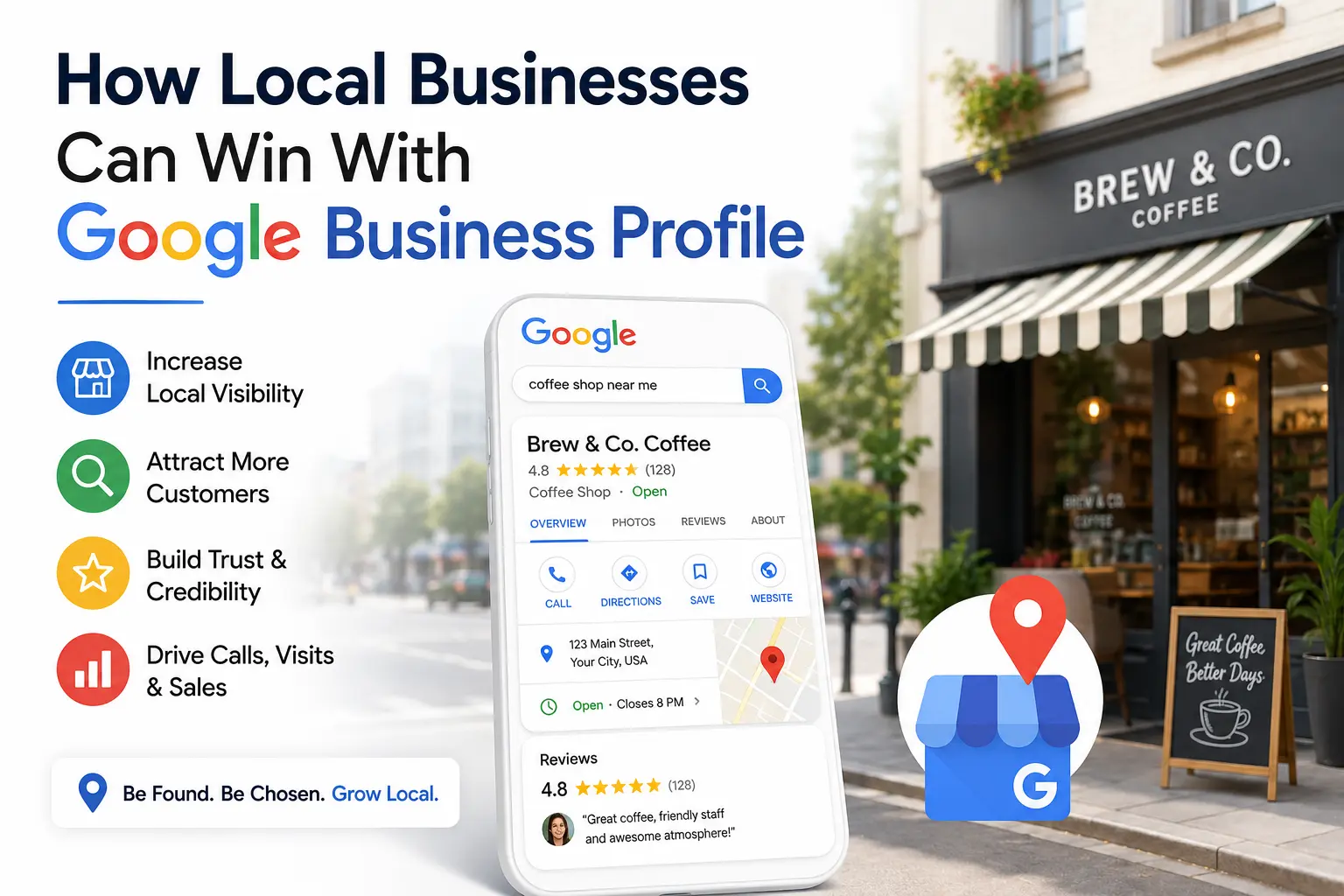
How Local Businesses Can Win With Google Business Profile
For local businesses, showing up when nearby customers search “near me” can make or break monthly revenue. A well-optimized Google Business Profile is one of the most powerful and cost-free tools available for winning local visibility. Whether you run a bakery, salon, law firm, or auto repair shop, your Google Business Profile often serves as the first impression a potential customer has of your business sometimes even before they visit your website.
This guide breaks down exactly how local businesses can use their Google Business Profile to rank higher in local search results, build trust, and convert searchers into paying customers.
What Is a Google Business Profile?
A Google Business Profile (formerly Google My Business) is a free business listing that appears in Google Search and Google Maps. It displays essential information such as your business name, address, phone number, hours, reviews, photos, and posts. When optimized correctly, it helps your business appear in the coveted “Local 3-Pack” the top three map listings shown for local searches.
Why Google Business Profile Matters for Local SEO
- Increased visibility: Appearing in local search results and Google Maps drives foot traffic and calls.
- Builds trust: Reviews, photos, and accurate information reassure potential customers.
- Free marketing channel: Unlike paid ads, an optimized profile delivers ongoing organic exposure.
- Mobile-first advantage: Most “near me” searches happen on mobile devices, where Google Business Profile listings dominate the screen.
How Local Businesses Can Optimize Their Google Business Profile
1. Claim and Verify Your Listing
The first step is claiming your Google Business Profile through Google Business Profile Manager and completing the verification process (usually via postcard, phone, or email).
2. Complete Every Section of Your Profile
Fill out:
- Business name (avoid keyword stuffing)
- Accurate address and service area
- Correct business category and subcategories
- Business hours (including holiday hours)
- Website URL and appointment links
- Products and services list
3. Use High-Quality Photos and Videos
Businesses with photos receive significantly more clicks and direction requests. Upload:
- Exterior and interior shots
- Team photos
- Product or service images
- Short videos showcasing your offerings
4. Collect and Respond to Reviews
Reviews directly influence local ranking and consumer trust. Best practices include:
- Actively requesting reviews from satisfied customers
- Responding professionally to every review, positive or negative
- Naturally including relevant keywords in your responses
5. Post Regular Updates
Use the Google Posts feature to share:
- Promotions and offers
- Events
- New products or services
- Company updates
Regular posting signals an active, trustworthy business to Google’s algorithm.
6. Leverage the Q&A Section
Proactively answer common customer questions in the Q&A section to reduce friction and improve conversion rates.
7. Optimize for Local Keywords
Naturally include your Google Business Profile focus keyword and location-based terms in your business description, services, and posts without keyword stuffing.
8. Monitor Insights and Analytics
Use the built-in performance dashboard to track:
- How customers find your listing (search vs. maps)
- Actions taken (calls, website visits, direction requests)
- Search queries driving traffic to your profile
Common Mistakes to Avoid
- Leaving categories or business hours incomplete
- Ignoring or deleting negative reviews instead of responding
- Using stock photos instead of authentic images
- Inconsistent NAP (Name, Address, Phone) across directories
- Neglecting to post updates regularly
Conclusion
An optimized Google Business Profile is no longer optional for local businesses it’s essential. By claiming your listing, keeping information accurate, actively managing reviews, and posting consistent updates, your business can significantly improve its visibility in local search results and Google Maps. In a competitive local market, a well-maintained Google Business Profile is often the deciding factor between a customer choosing you or a competitor.
FAQ Section (Great for Featured Snippets)
Q: Is Google Business Profile free?
A: Yes, creating and managing a Google Business Profile is completely free.
Q: How long does it take to rank after optimizing Google Business Profile?
A: Most businesses see improvements within 2–8 weeks, depending on competition and consistency of optimization efforts.
Q: Does Google Business Profile help website SEO too?
A: Yes, an active and well-optimized profile can indirectly boost website traffic and domain authority through increased local visibility and backlinks from directory citations.
Q: Is Google Business Profile free? A: Yes, creating and managing a Google Business Profile is completely free.
Q: How long does it take to rank after optimizing Google Business Profile? A: Most businesses see improvements within 2–8 weeks, depending on competition and consistency of optimization efforts.
Q: Does Google Business Profile help website SEO too? A: Yes, an active and well-optimized profile can indirectly boost website traffic and domain authority through increased local visibility and backlinks from directory citations.