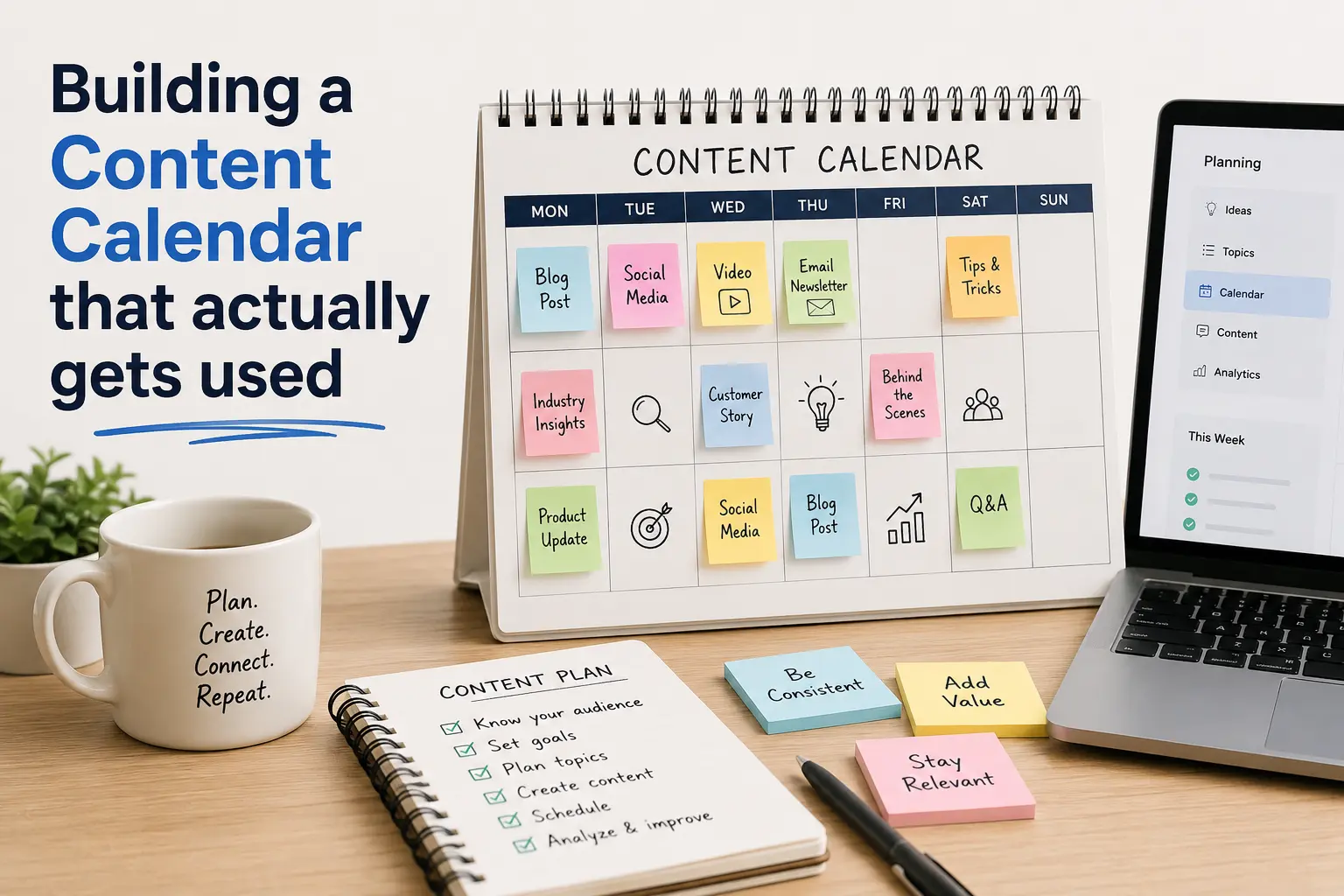
How to Build a Content Calendar That Actually Gets Used
Most teams don’t fail at content marketing because they lack ideas. They fail because their content calendar turns into a spreadsheet nobody opens after week two. It gets built with good intentions, filled with a month of topics, and then quietly abandoned the first time a deadline slips.
A content calendar that actually gets used isn’t the one with the prettiest template. It’s the one built around how your team really works, updated in the tool people already check, and light enough that maintaining it takes minutes, not hours.
Here’s how to build one that sticks.
Why Most Content Calendars Fail
Before fixing the problem, it helps to know why it happens in the first place:
- Too much detail, too soon. Teams try to plan 90 days of content down to the headline before they’ve even validated a rhythm they can sustain.
- Wrong tool for the team. A calendar in a tool only the marketing lead opens becomes invisible to writers, designers, and stakeholders.
- No owner. If everyone is responsible for updating it, no one is.
- No connection to goals. A calendar that isn’t tied to business outcomes gets deprioritized the moment things get busy.
- Too rigid. Real content production is messy. A calendar with no room to shift dates becomes a source of guilt instead of a planning tool.
Step 1: Start With a Content Strategy, Not a Grid
A calendar organizes content. It doesn’t generate ideas or decide what matters. Before opening a spreadsheet, get clear on:
- Goals -traffic, leads, brand awareness, retention
- Audience-who you’re creating for and what they need at each stage
- Content pillars -3–5 core themes every piece should map back to
- Channels – blog, email, social, video, podcast
If you skip this step, your calendar will fill up with disconnected topics that are easy to plan and easy to skip.
Step 2: Choose the Right Format for Your Team
There’s no single best content calendar template the right one depends on team size and workflow.
| Team Type | Best Format |
|---|---|
| Solo creator or small team | Simple spreadsheet (Google Sheets, Excel) |
| Marketing team with multiple channels | Project management tool (Asana, Trello, ClickUp) |
| Cross-functional teams with approvals | Dedicated content platform (Notion, CoSchedule, Airtable) |
The best format is the one your team is already using for other work. Adding a new tool just for the calendar is one of the fastest ways to kill adoption.
Step 3: Build the Calendar Around These Core Fields
A content calendar that actually gets used tracks just enough information to be useful, not so much that updating it becomes a chore. At minimum, include:
- Publish date
- Title/topic
- Content type (blog, video, email, social post)
- Channel
- Owner
- Status (idea, in progress, review, scheduled, published)
- Target keyword (for SEO content)
- CTA/goal
Anything beyond this briefs, drafts, assets should live in linked documents, not crammed into the calendar itself.
Step 4: Set a Realistic Cadence
A common mistake is planning a cadence based on ambition rather than capacity. If your team can realistically produce two solid blog posts a week, plan for two — not five. A content calendar with unrealistic targets gets abandoned within a month because it constantly reminds people of what they didn’t do.
Start smaller than feels ambitious. Consistency beats volume every time.
Step 5: Build in a Weekly Review Ritual
The single biggest factor in whether a content calendar survives past month one is whether someone looks at it regularly.
- Assign one owner responsible for keeping it current
- Set a recurring 15–20 minute weekly check-in to review status and shift dates as needed
- Treat the calendar as a living planning tool, not a historical record
Calendars die from neglect, not bad design.
Step 6: Leave Room for Flexibility
Rigid calendars break the moment something urgent comes up and something always does. Build in buffer weeks, mark a few slots as “flexible/reactive,” and avoid scheduling every single day months in advance. A calendar that can bend without breaking is one your team will trust enough to keep using.
Content Calendar Template (Quick Start)
| Date | Title | Type | Channel | Owner | Status | Keyword |
|---|---|---|---|---|---|---|
| Aug 12 | 5 Tips for Remote Teams | Blog | Website | Sam | In Progress | remote team tips |
| Aug 14 | Product Launch Teaser | Social | Priya | Scheduled | — | |
| Aug 19 | Customer Success Story | Blog | Website | Sam | Idea | case study examples |
Copy this structure into whatever tool your team already lives in.