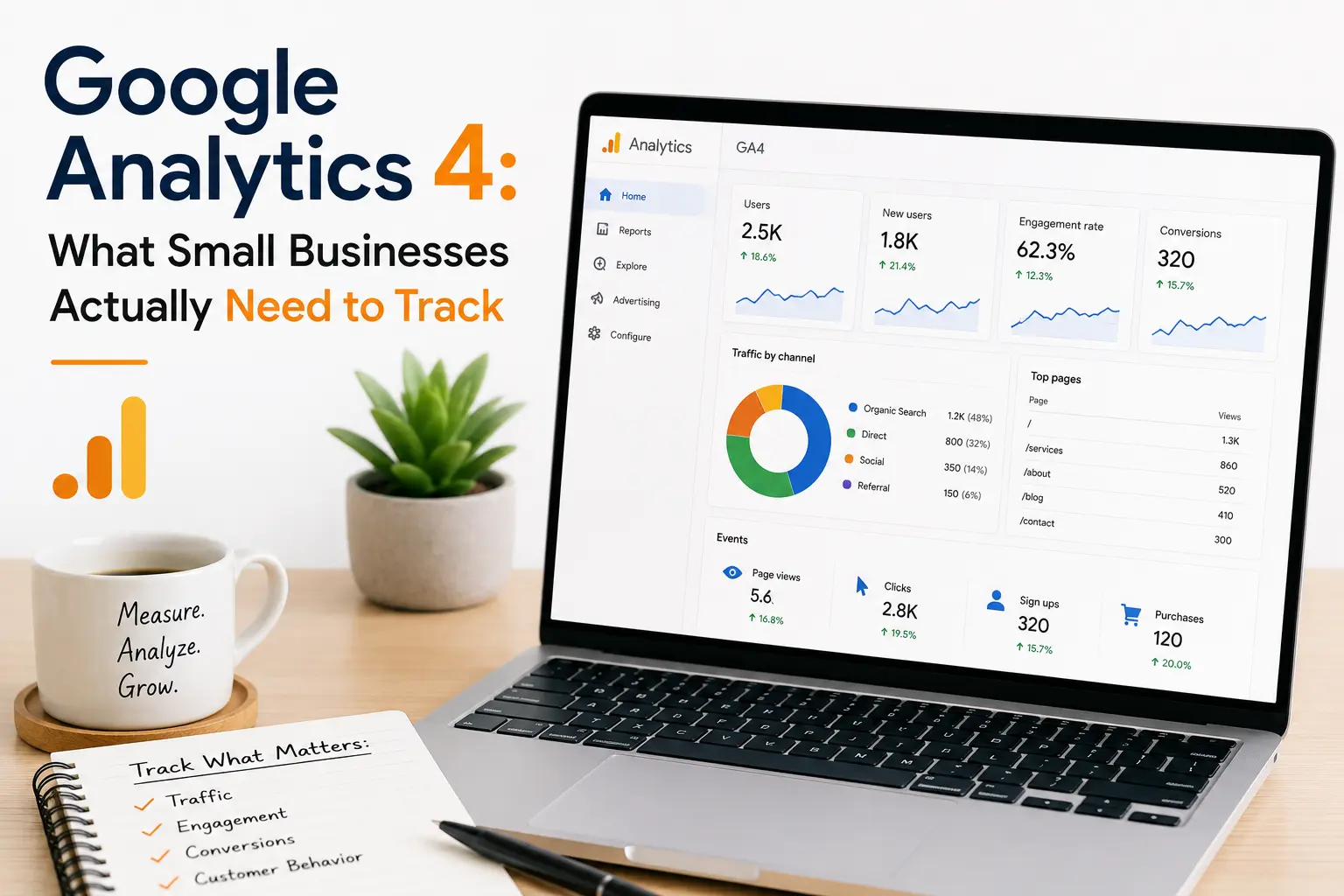
Google Analytics 4: What Small Businesses Actually Need to Track
If you’ve opened Google Analytics 4 (GA4) and felt instantly overwhelmed, you’re not alone. GA4 replaced Universal Analytics with a completely different data model, and most small business owners only need a fraction of what it offers. This guide breaks down exactly what Google Analytics 4 for small business owners should track and skips the rest.
Why GA4 Feels Different (and Harder)
GA4 tracks events instead of sessions and pageviews the way the old Universal Analytics did. That shift makes the interface more flexible, but also more confusing for anyone who isn’t a data analyst. The good news: once you set up a handful of key reports, GA4 becomes a genuinely useful tool for understanding your customers not a maze of menus.
1. Traffic Sources (Where Your Visitors Come From)
Knowing which channels bring people to your site tells you where to spend your marketing time and money.
What to check:
- Organic search vs. paid vs. social vs. direct traffic
- Which specific channels (Google, Instagram, email) drive the most engaged visitors
- Seasonal or campaign-driven spikes
Where to find it: Reports → Acquisition → Traffic acquisition
2. Conversions (The Actions That Matter to Your Business)
This is the single most important thing to set up in GA4. A “conversion” isn’t just an online sale it can be a form submission, phone click, newsletter signup, or booking request.
Steps:
- Decide what counts as a conversion for your business (purchase, contact form, calendar booking, etc.)
- Set these up as “key events” in GA4’s admin settings
- Review conversion counts weekly, not just total traffic
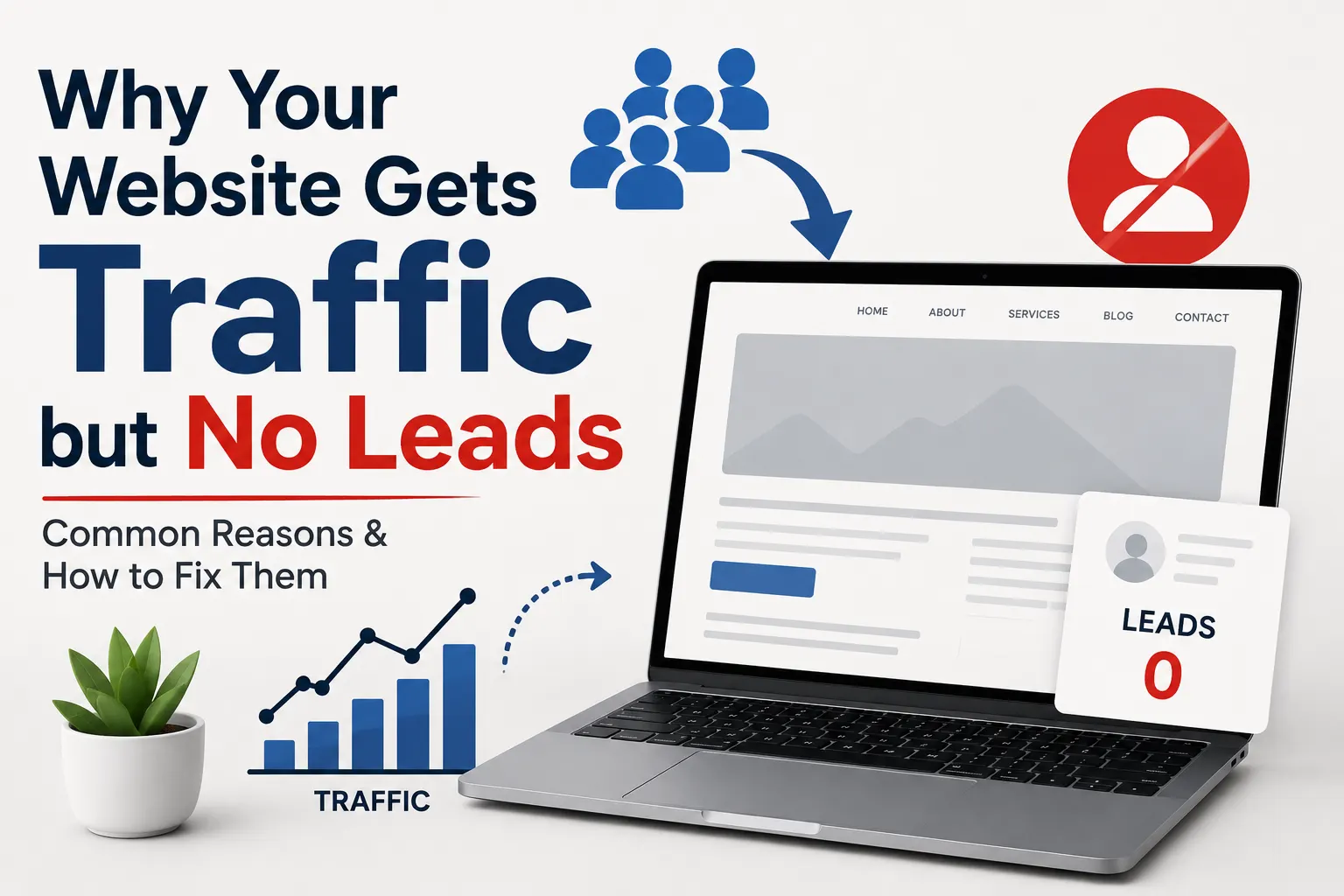
Tracking traffic without tracking conversions tells you how many people showed up not whether your website is actually working for your business.
3. Landing Page Performance
Not all pages are equal. Some pages consistently turn visitors into customers; others quietly leak traffic.
What to check:
- Which pages get the most entries
- Bounce/engagement rate by page
- Conversion rate by landing page
Where to find it: Reports → Engagement → Landing page (or Pages and screens)
4. Audience Basics (Who’s Actually Visiting)
You don’t need deep demographic analysis, but a quick look at basic audience data helps confirm you’re reaching the right people.
Useful fields:
- Location (city/region) especially important for local businesses
- Device category (mobile vs. desktop)
- New vs. returning visitors
5. User Engagement, Not Just Pageviews
GA4 replaced “bounce rate” with “engagement rate,” which measures whether visitors actually interacted with your site (scrolled, clicked, stayed 10+ seconds). This is a better signal of real interest than raw pageviews.
Where to find it: Reports → Engagement → Overview
6. E-commerce Tracking (If You Sell Online)
If you run an online store, GA4’s e-commerce reports show:
- Which products get viewed vs. purchased
- Cart abandonment points
- Revenue by traffic source
This requires enhanced e-commerce tracking to be set up correctly (usually through your platform’s GA4 integration Shopify, WooCommerce, etc.) worth confirming this is active, since it doesn’t always work out of the box.
What Small Businesses Can Safely Ignore (For Now)
GA4 offers advanced features most small businesses don’t need immediately:
- Custom exploration reports and funnels
- BigQuery data exports
- Predictive metrics (purchase probability, churn probability)
- Cross-platform app + web tracking (unless you have an app)
Revisit these once you have a marketing team or dedicated analyst they add complexity without adding value for most early-stage or solo-run businesses.
A Simple Weekly GA4 Checklist
- Total conversions this week vs. last week
- Top 3 traffic sources
- Top-performing landing page
- Any unusual spikes or drops in traffic
- Mobile vs. desktop conversion rate
Final Thoughts
You don’t need to master every GA4 report to get value from it. Focus on traffic sources, conversions, landing pages, and engagement these four areas answer the questions that actually matter: Where are my customers coming from, and is my website turning them into business?
Set up conversion tracking correctly once, check your numbers weekly, and let the rest of GA4 wait until you need it.